Install Vril Hum — and what you’re actually getting
Vril Hum is not another single-purpose app. It is a desktop shell: one window, one sidebar, and a whole stack of Vrilsoft tools living inside it — browser, antivirus, mail, passwords, remote access, music with Auto DJ, plus locked-in panes for Cloud, Chat, Vril One, OrionAI, and Sentinel FaceGuard.
Think of it as the desk, not the stapler. The stapler (and the calculator, and the phone) live on the desk.
This guide covers Linux install via apt (the same signed repository as VrilXor), then a clear tour of every module so you know what you opened.
Install on Linux (apt)
Package name: vrilhum
Repository: apt.vrilsoft.com (signed, amd64)
One-time setup + install
curl -fsSL https://apt.vrilsoft.com/vrilsoft-apt.gpg | sudo gpg --dearmor -o /usr/share/keyrings/vrilsoft-apt.gpg
echo 'deb [arch=amd64 signed-by=/usr/share/keyrings/vrilsoft-apt.gpg] https://apt.vrilsoft.com stable main' \
 | sudo tee /etc/apt/sources.list.d/vrilsoft.list
sudo apt update
sudo apt install -y vrilhum
If you already use apt for VrilXor, you only need the last two lines — the repo is the same.
Upgrade later
sudo apt update && sudo apt install --only-upgrade vrilhum
Prefer a direct download?
Grab the .deb from the product or publication page (SHA-256 is shown so you can verify the file):
Publication: vrilsoft.com/products/get-started-with-vril-hum-today
Store: vrilsoft.com/products/get-started-with-vril-hum-today
Then:
sudo apt install ./vrilhum_*.deb
First launch — two PINs, not one
PIN What it does
App unlock PIN (optional)
Gates opening Hum after login — like a front door.
Vault / settings PIN
Decrypts secrets: mail passwords, Vril Pass entries, SSH/FTP credentials, browser fill/save. This is the vault.
They are not the same PIN. Opening the app and unlocking your secrets are separate on purpose.
Sign in with your Vrilsoft account (MFA when required). Your vault stays on this machine — it is not baked into the installer.
What’s inside the shell
Hum’s sidebar is a row of apps inside an app. Some are native modules. Others are locked product panes: real Vrilsoft web apps that stay on their own host. Turn modules on or off per PC in Vril Marketplace. Optional donations help fund the stack — the modules themselves are free.
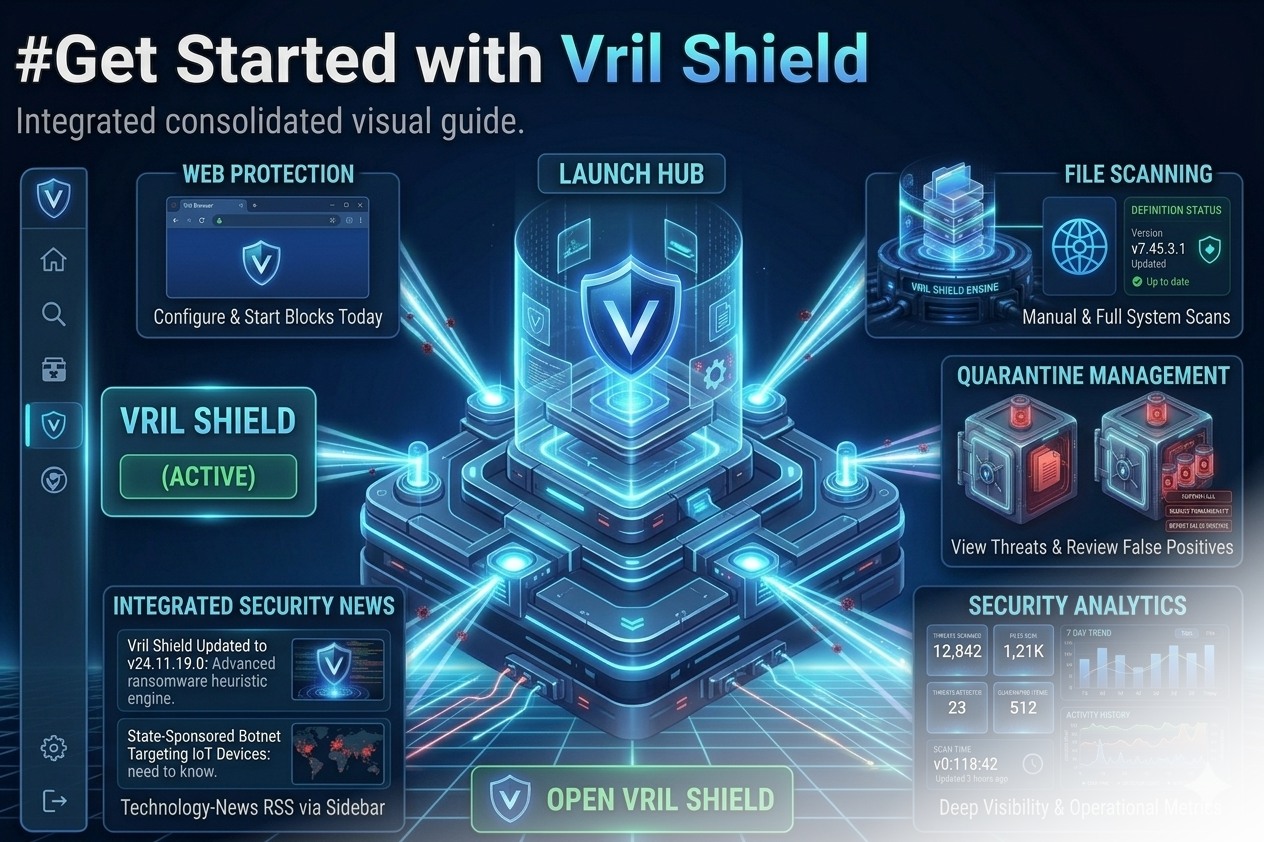
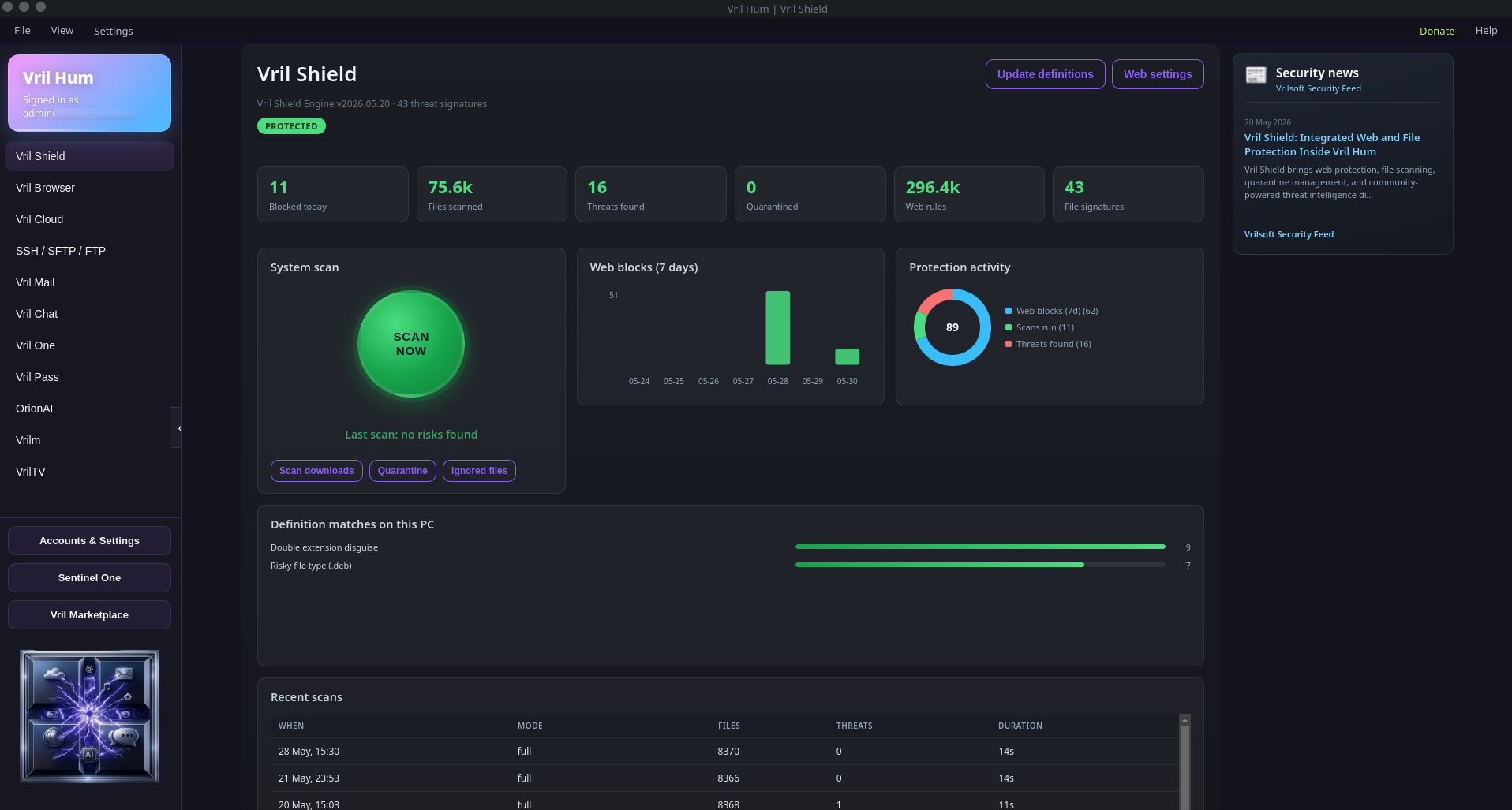
Vril Shield — antivirus and web defence
Web — block ads, trackers, and known junk while you browse.
Files — scan downloads and local folders, quarantine threats, restore or delete, report false positives.
Browser downloads can wait in a download vault until a scan clears them. Live watching can cover Downloads / Desktop / Documents.
Vril Browser — tabs, downloads, and Ninja Mode
Full in-shell browser with tabs, downloads, cookie controls. Ninja Mode opens a separate window with a fresh ephemeral session. Vril Pass can offer fill/save once the vault PIN is unlocked. Google / YouTube / Gmail / Drive sign-in paths go to your system browser on purpose; everything else stays in Hum.
Vril Mail — IMAP that lives in the vault
Real IMAP mailboxes, multi-account, search, rich compose, drafts, filters. Passwords stay encrypted and only unlock after the vault PIN verifies.
Vril Pass — web and desktop/app logins
Password manager with websites and desktop/mobile app entries. Vault PIN unlocks Pass — not the app unlock PIN.
SSH / SFTP / FTP — servers from the same desk
SSH terminals (split panes, grid, keep-alive). FTP / SFTP / FTPS file browsing with vault credentials and OpenSSH keys.
Vrilm — library, decks, and Auto DJ
Not just a media player. Local library, search, visualizer, EQ, mic ducking, optional four-deck DJ mode with crossfader, and Auto DJ: picks the next track, cues the opposite deck, and crossfades with a lead time you set (1–30s, default 8s).
Apps inside the app (locked panes)
Vril Cloud — Vrilsoft cloud hosting / cloud workspace (vrilcloud.com).
Vril Chat — messaging on Vril Chat (vrilchat.com).
Vril One — your account for everything Vrilsoft related, home of your Digital ID online, it includes your online presence, and a client dashboard / account hub (vrilone.com): services and client home base after you sign in.
OrionAI — AI chat as its own module (orionaichat.com).
Sentinel One → FaceGuard — facial scan / web-match identity tooling on vrilsoft.com (site plan rules still apply).
Marketplace, Settings, VrilTV
Marketplace — show/hide modules per PC. Accounts & Settings — security, family profiles, account stores, Vault Guard. VrilTV — listed as a future live-TV style module; treat as coming soon (placeholder today).
How the pieces fit
Vril Hum (desktop shell)
├── Native: Shield, Browser (+ Ninja), Mail, Pass, Remote, Vrilm
├── Locked panes: Cloud, Chat, Vril One, OrionAI, FaceGuard
├── Marketplace (what shows on this PC)
└── Settings + encrypted vault (secrets stay local)
Quick checklist after install
Install or upgrade vrilhum via apt.
Sign in with Vrilsoft.
Set vault PIN (and optional app unlock PIN).
Open Vril Shield.
Add Mail / Pass / SSH only if you need them.
Optional: Vril One, Chat, Cloud, OrionAI, Vrilm Auto DJ.
Optional: in-app Donate if you want to support the stack.