Elly, Your Nanny is the newest browser extension from Vrilsoft that turns your Chromium or Opera browser into a guardian that blocks, limits, and schedules web access with the touch of a PIN. Modern browsers are open by default, letting a child or a distracted adult reach social feeds, video sites, shopping carts, or adult content in a single click. Router‑level filters are coarse and easy to bypass from the same machine.
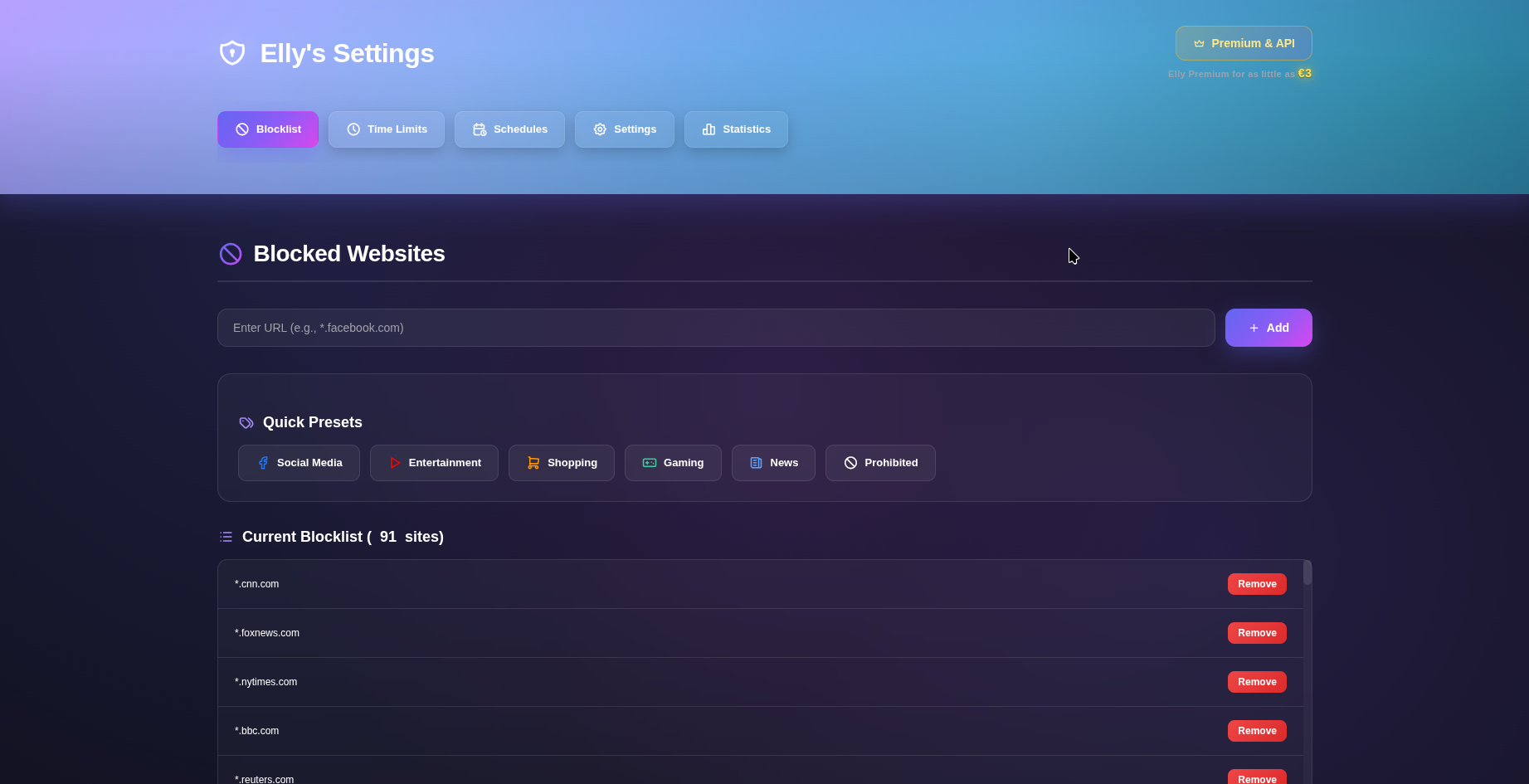
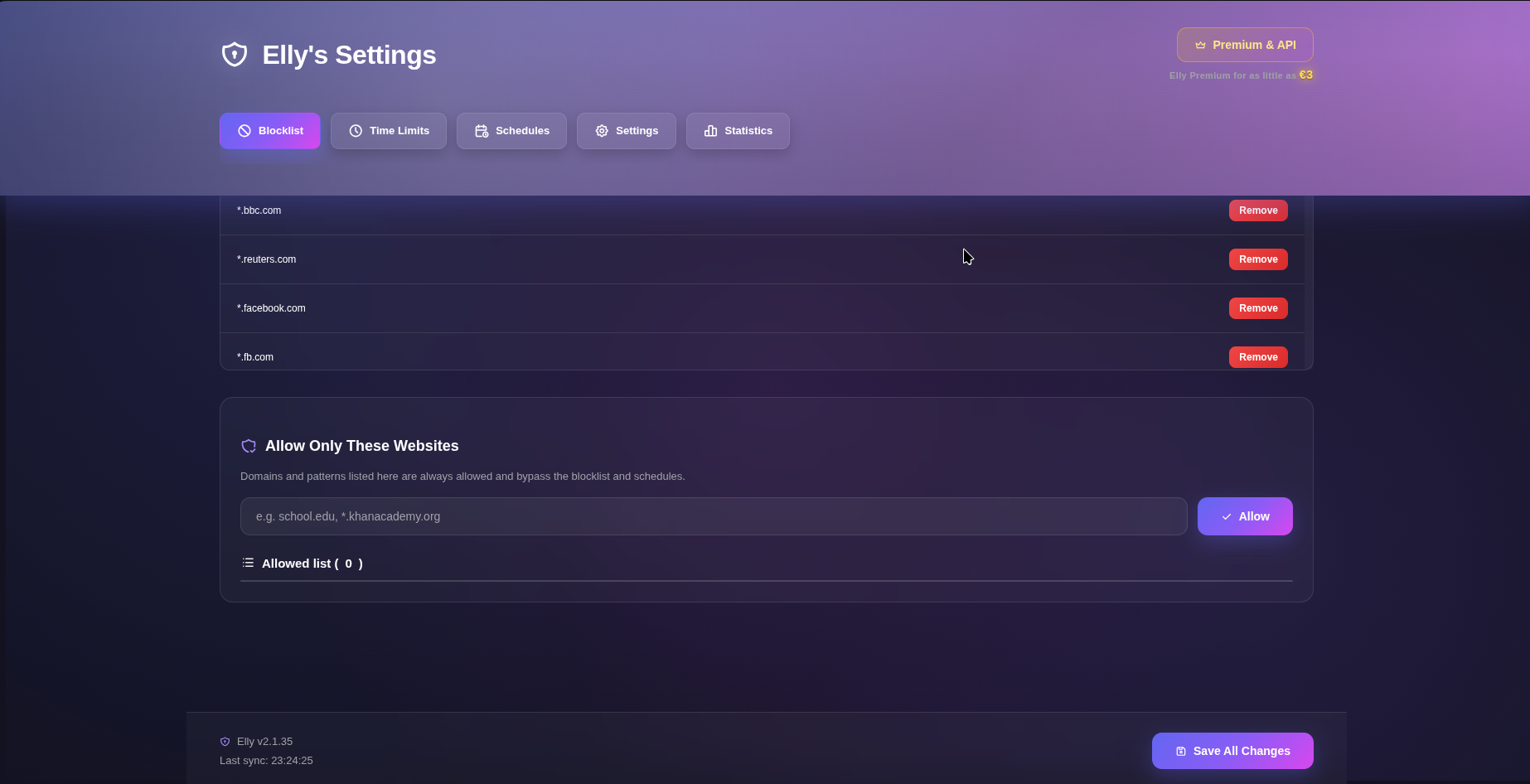
Elly works at the tab level. When a blocked or over‑limit site is requested, the extension intercepts the navigation and replaces the page with a simple interstitial that says, “Website Blocked By Elly.” The message frames the block as staying focused and productive, not as punishment. At its core is a blocklist that can be edited by hand or populated from preset categories such as Social, Entertainment, Shopping, Gaming, News, and Prohibited. A whitelist can carve out exceptions, and the extension respects Opera’s “allow access to search page results” setting to keep search engines usable. Not every site needs a hard ban.
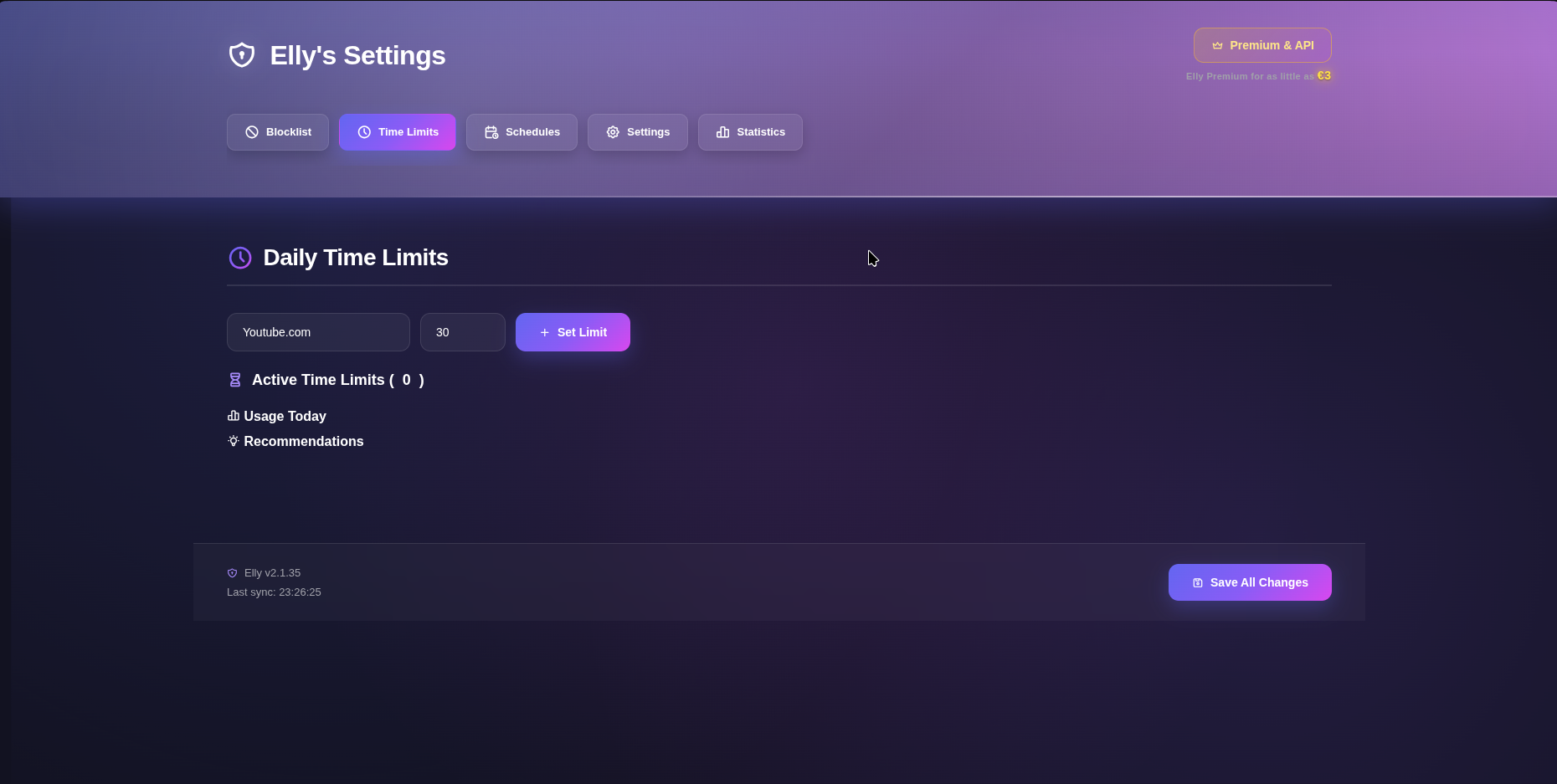
Elly lets you assign daily time limits per domain, tracks active‑tab usage, and can warn via browser notifications or close the tab once the budget is gone. Schedules define windows by day of week and time of day – for example, “block social after homework hours” or “allow only certain sites during a study block.” Schedule management is part of Elly Premium; core blocking and limits are available without it. For short bursts of deep work, Focus Sessions temporarily tighten the net with extra social/video blocks for a chosen duration, then restore the previous blocklist and notify when the session ends.
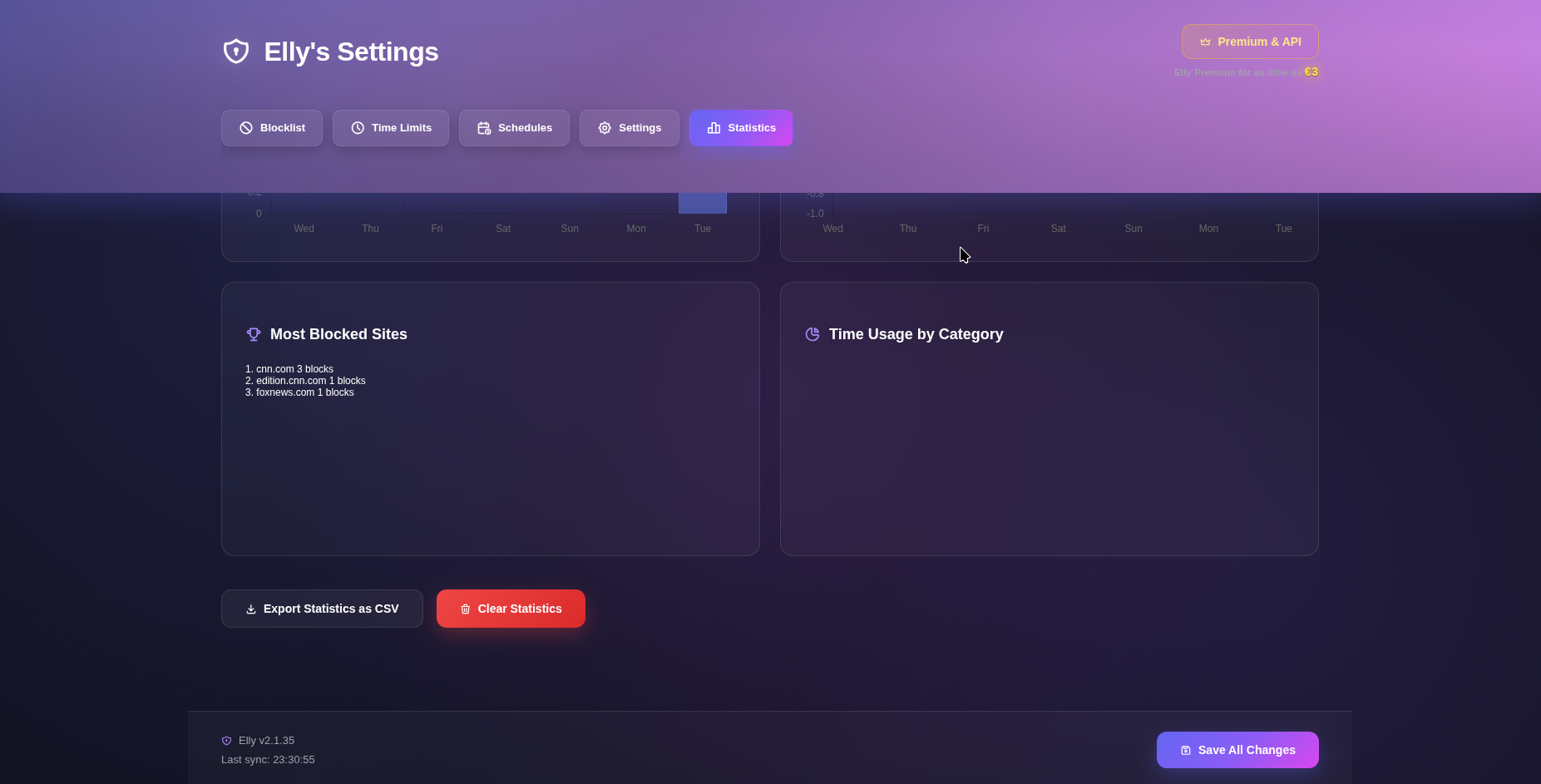
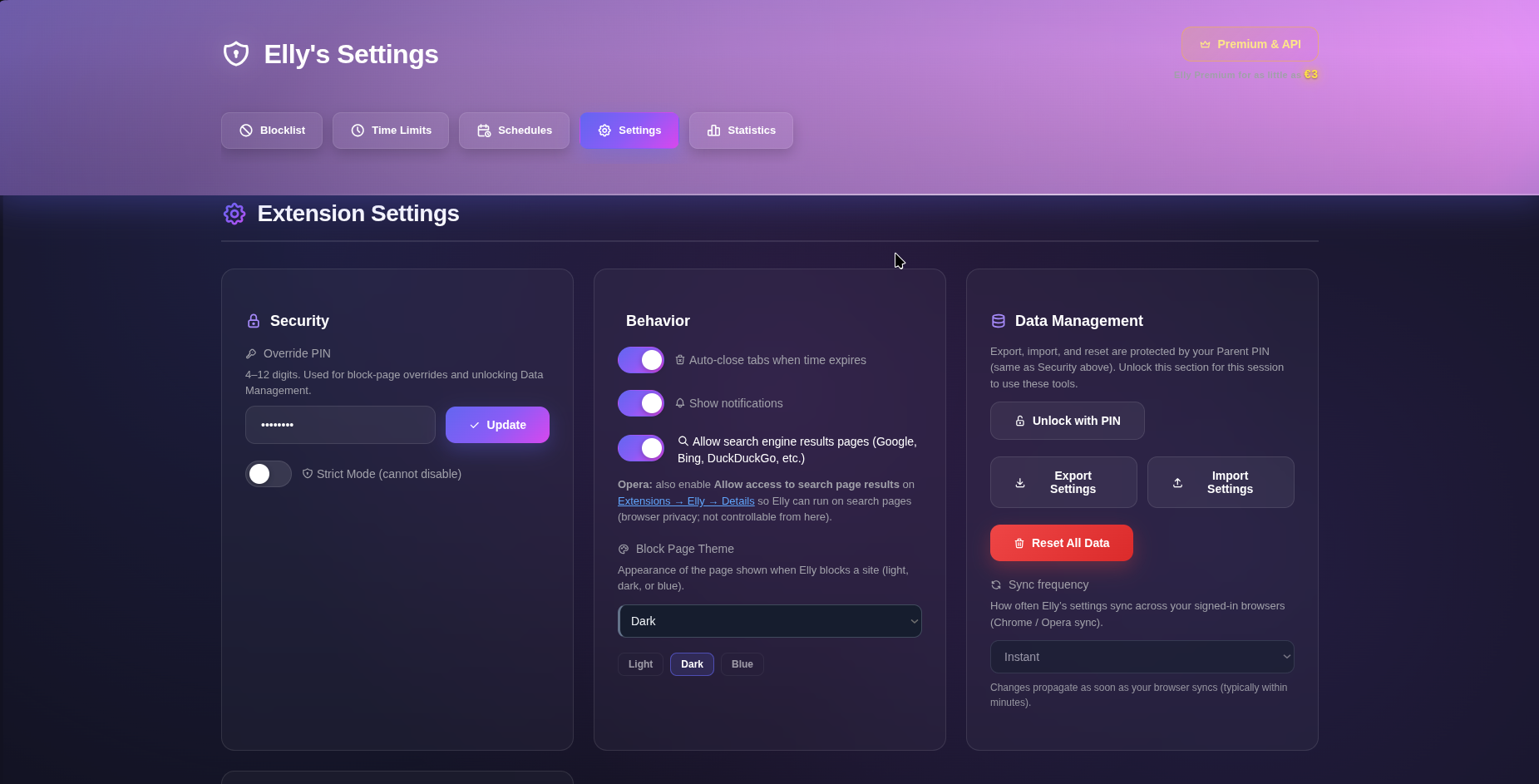
Elly uses two PIN layers. The 8‑digit Nanny PIN opens the extension UI, while a 4‑12‑digit Parent PIN overrides blocklists, locks, Strict Mode, and resets. Strict Mode is a hard lock that disables temporary overrides and requires the Parent PIN to turn the extension off. Settings also support export, import, and reset of configuration (PIN‑protected), themes on the block page (light, dark, blue), and usage statistics with charts and CSV export. After install, Elly opens a Welcome page that pins the icon to the toolbar, enables search‑page access on Opera, and introduces the main surface of Settings tabs for Blocklist, Time Limits, Schedules, Settings, and Statistics – with Premium signup priced as low as €3.
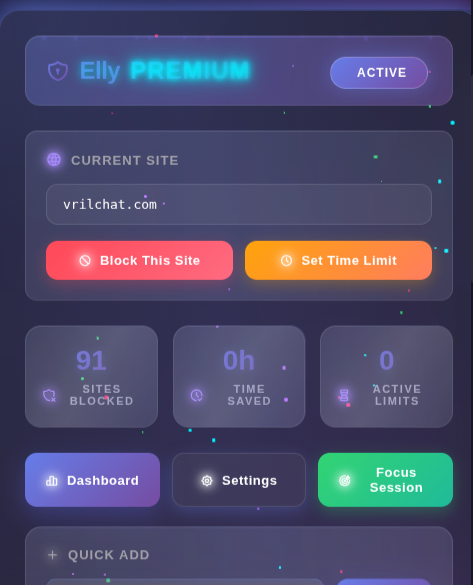
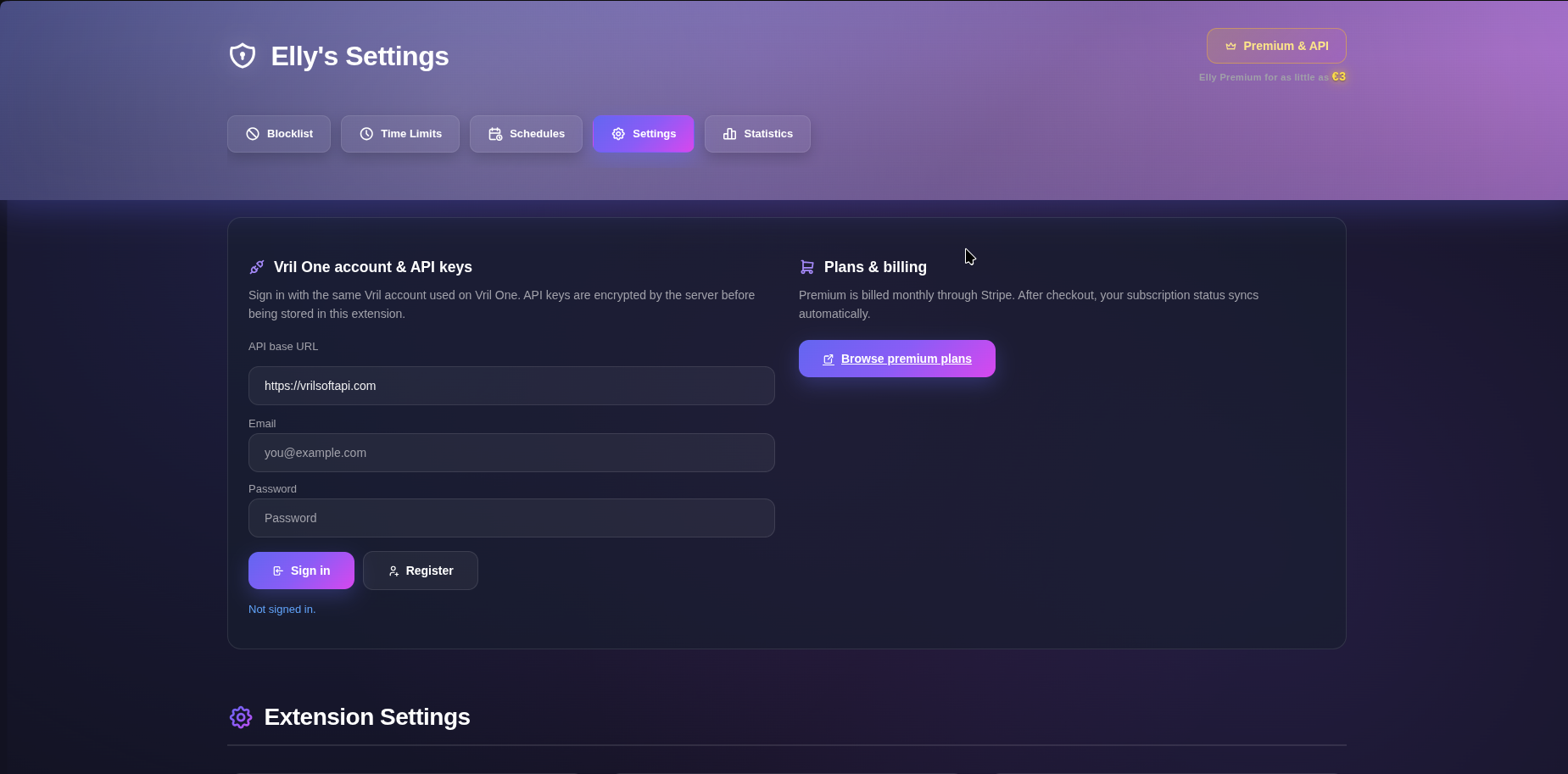
The toolbar popup is the quick path: open settings, check plan status, and block or limit the current site without digging through every options tab. When a site is denied, you land on Elly’s branded block page instead of the destination, with a reason, a way back, and an optional parent override when Strict Mode is off. Elly is perfect for parents who want browser‑level rules for kids without relying only on network filters, households that need schedules and PIN‑hardened settings so rules aren’t casually undone, and anyone who wants a self‑control nanny that caps time, focuses sessions, and presets blocklists for distraction sites. It’s proprietary Vrilsoft software, not open source. Premium features – notably schedule management – tie into a Vrilsoft account and subscription, with legal terms at vrilsoft.com/Legal/Elly.
Elly, Your Nanny is Vrilsoft’s Chromium/Opera website nanny: a Manifest V3 extension that blocks, time‑limits, and schedules browsing behind parental PINs — with optional Premium scheduling and account features — so the browser itself enforces the rules you set.